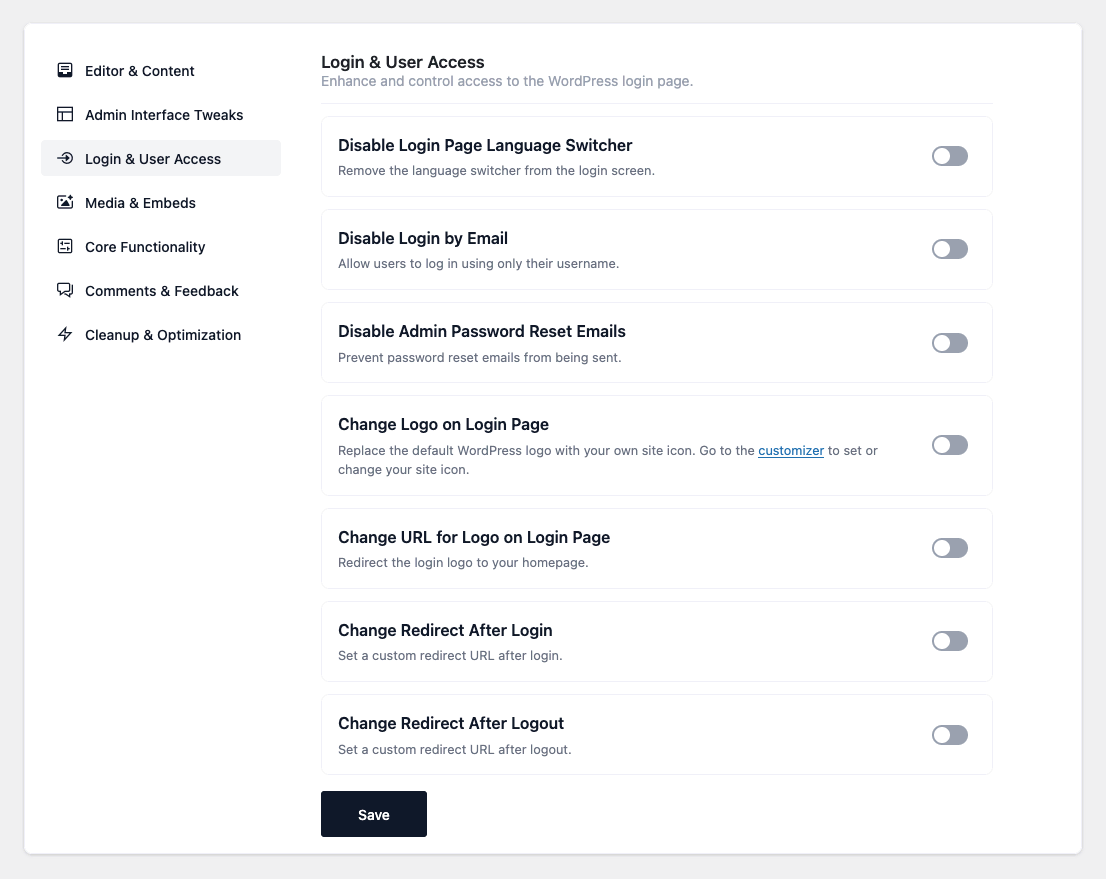

- Disable Login Page Language Switcher — Remove the language dropdown from the login screen.
- Disable Login by Email — Require users to log in with their username (email no longer works).
- Disable Admin Password Reset Emails — Stop the admin notification email sent after a user’s
password is reset. (This does not stop the reset link emailed to the user.) - Hide Login Error Details — Show a generic “Invalid username or password” message so valid
usernames can’t be discovered. - Change Logo on Login Page — Replace the WordPress logo on the login screen with your site
icon. (Set the site icon in the Customizer first; if none is set, nothing changes.) - Change URL for Logo on Login Page — Point the login logo link to your homepage instead of
wordpress.org. - Change Redirect After Login — Send users to a custom page after they log in.
(Configurable: a path appended to your site URL, e.g.account.) - Change Redirect After Logout — Send users to a custom page after they log out.
(Configurable: a path, e.g.visit-again.) - Change “Remember Me” Duration — Set how many days users stay logged in when they tick
“Remember Me”. (Configurable: number of days, default 14.)
Login & User Access
Enhance and control access to the WordPress login page. Improve branding, security, and user experience with these ready-to-use snippets.