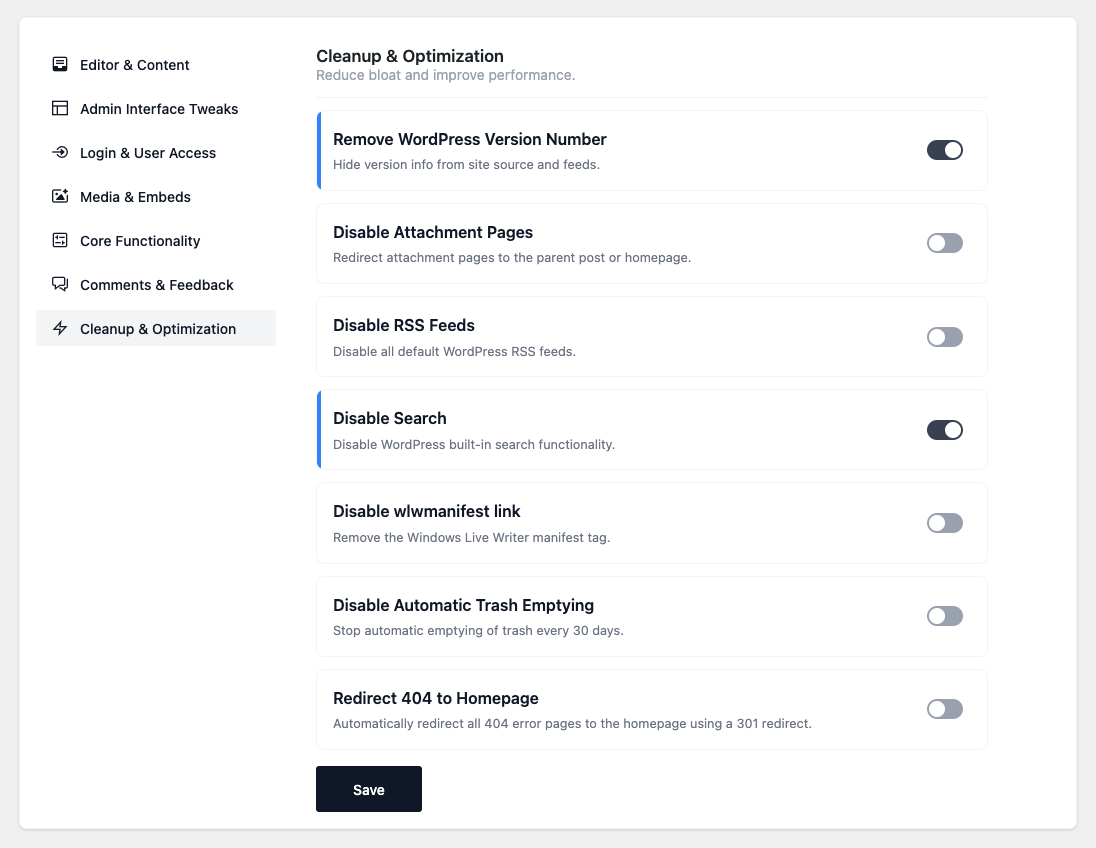

- Remove WordPress Version Number — Hide the WordPress version from the page source and feeds.
- Remove Query Strings from Assets — Strip the
?ver=string from front-end CSS and JS for
better caching. - Disable Heartbeat on Front End — Stop the Heartbeat API on the front end (admin autosave is
kept). - Remove jQuery Migrate — Drop the jquery-migrate script from the front end.
- Disable Dashicons on Front End — Don’t load the Dashicons stylesheet for logged-out visitors
(the admin bar keeps its icons). - Disable Attachment Pages — Redirect attachment pages to the parent post, or the homepage when
there’s no parent. - Disable RSS Feeds — Turn off all default RSS feeds and remove the feed links from the head.
- Disable Search — Turn off the built-in search, including the search widget, form, block and
admin-bar search box. - Disable wlwmanifest link — Remove the Windows Live Writer manifest tag.
- Remove RSD Link & X-Pingback — Remove the Really Simple Discovery link and the X-Pingback
header. - Disable Automatic Trash Emptying — Stop WordPress emptying the trash every 30 days; items stay
until deleted manually. - Redirect 404 to Homepage — Send all 404 pages to the homepage with a 301 redirect. ⚠ A 301 is
permanent and may be cached by browsers; it also hides genuine 404s, which can affect SEO. Use it
only if you intentionally want to funnel bad URLs home. - Enable Image Lazy Load — Lazy-load content images and add
decoding="async", while skipping
images marked as high-priority (LCP). ⚠ Conflicts with Disable Lazy Load — don’t enable both.
Cleanup & Optimization
Reduce bloat and improve performance by disabling unused WordPress features and cleaning up unnecessary elements.