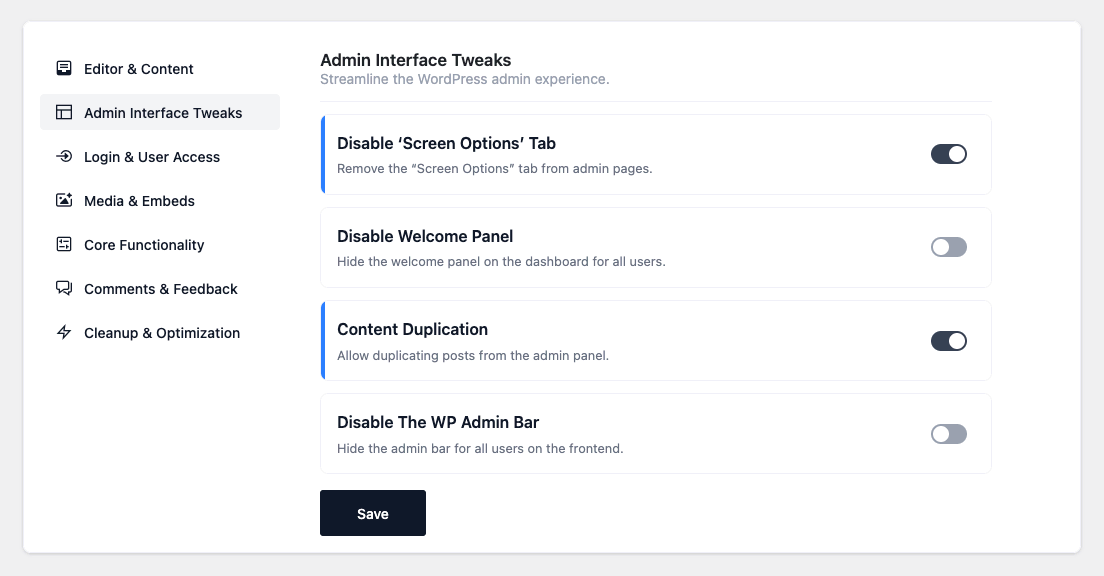

- Disable ‘Screen Options’ Tab — Remove the “Screen Options” tab from admin pages.
- Disable Welcome Panel — Hide the welcome panel on the dashboard for everyone.
- Content Duplication — Add a “Duplicate” action to posts and pages. The copy is created as a
draft with the same content, excerpt, title, taxonomy terms and custom fields. - Search by ID — Find posts, pages, custom post types and taxonomy terms by their numeric ID in
the admin search box (only when the term is purely numeric and a match exists; normal text search
is unaffected). - Show ID Column — Add an ID column to post, page, custom post type and term lists.
- Show Featured Image Column — Add a thumbnail column showing the featured image (or a dash when
none is set). - Show Last Modified Column — Add a “Last Modified” date column to the lists.
- Disable The WP Admin Bar — Hide the front-end admin bar. (Configurable: per-role exceptions —
tick a role to let it keep the bar.)
Admin Interface Tweaks
Streamline the WordPress admin experience by removing distractions, simplifying workflows, and improving productivity.